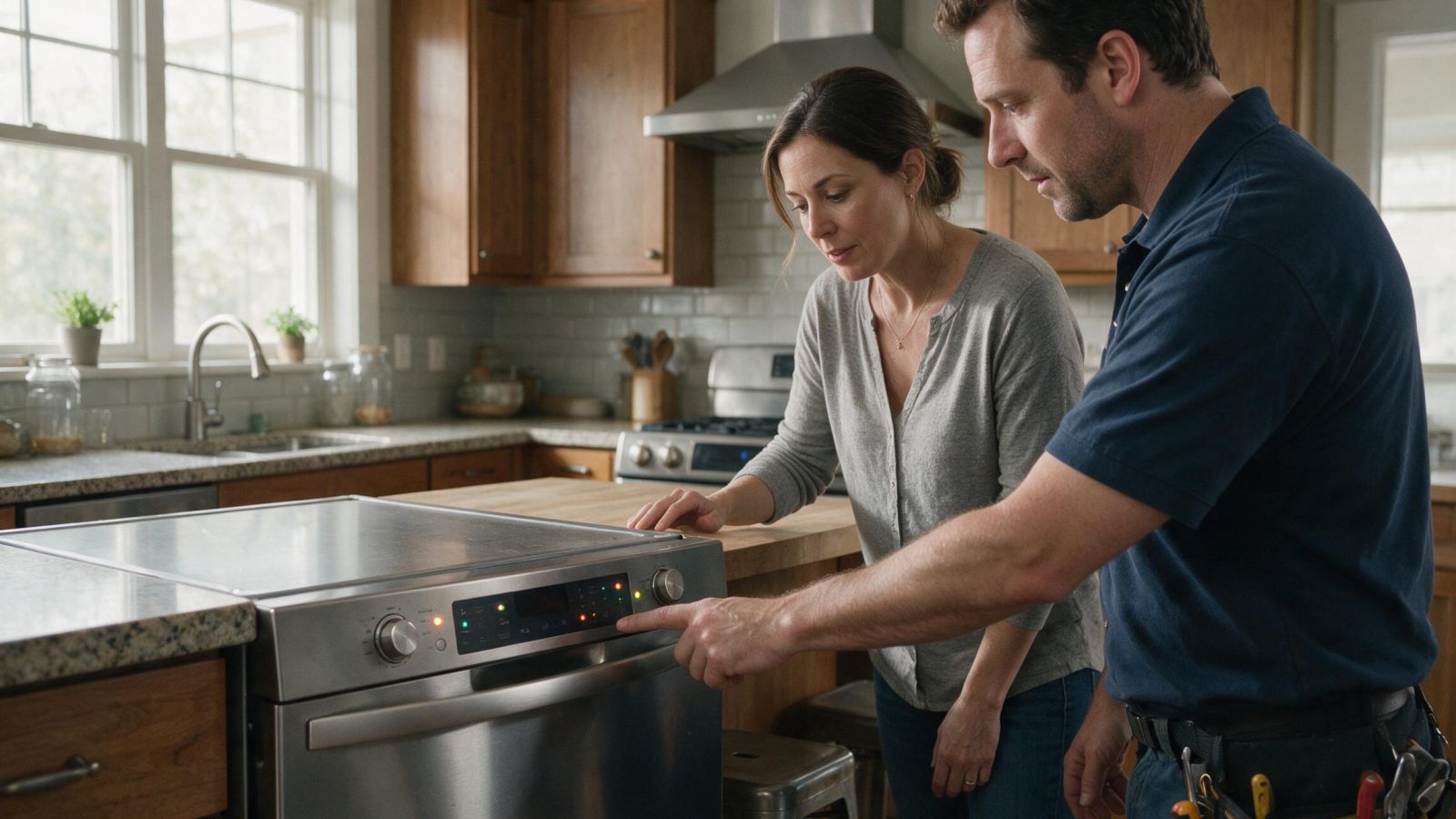
On supported GE range and oven platforms, an F2/F20-style excessive-temperature condition deserves a safety-first response. A control that is not keeping cavity temperature within the expected range should not be…
An F2 or excessive-heat display on a GE oven means stop cooking and keep the oven off until it has been diagnosed. GE describes F2 and F20 as the temperature passing a preset limit for an unknown reason, so a trained technician has to find the cause before normal use resumes.
On supported GE range and oven platforms, an F2/F20-style excessive-temperature condition deserves a safety-first response. A control that is not keeping cavity temperature within the expected range should not be tested by continued cooking.
| Symptom | What it can point to | What you can safely check |
|---|---|---|
| F2 or F20 on a GE oven | GE says the temperature exceeded a preset threshold for an unknown reason | Stop cooking, let the oven cool, and keep it off at the breaker until service |
| F3 or F4 | GE says these usually mean the oven sensor needs replacement | Leave the oven off and book service |
| F9 or FC | GE says a door-lock circuit component failed | Do not force the door and book service |
| OFF during a self-clean cycle | GE says the oven is too hot to start the cycle | Let it cool, then try again |
| F2 on a GE microwave | GE describes this as a shorted thermal sensor, which is a different appliance and meaning | Check the microwave guidance instead of this one |
GE range and wall-oven families use F-codes such as `F2`, `F3`, `F9`, and control/key-panel families, but messages like `LOC`, `OFF`, or Sabbath indicators can be operating states rather than faults. The exact model and display context matter. For gas cooking, include ignition and gas-odor details; for electric cooking, note whether bake, broil, and the display behave differently.
GE does not attach a specific failed part to F2. The code says the oven temperature went above an expected limit, and finding out why means testing the sensor, wiring, relays, and control, which is not owner work.
The same letter on a different appliance can mean something else. GE describes F1 on a microwave as an open sensor and F2 as a shorted one, so one code meaning should never be carried to another product.
Do not resume normal operation until the temperature sensor, wiring, relays, control, and exact model context have been checked.
Other stop conditions include smoke, sparking, burning electrical odor, repeated breaker trips, persistent gas odor, uncontrolled overheating, or water contacting electrical connections. Do not bypass safety devices or open internal electrical, gas, sealed-refrigeration, or microwave high-voltage areas.
GE says to keep the oven off at the breaker until it is serviced. Surface units can still be used by switching the breaker on and then off again afterward, if the manual for your model allows it.
Switching the breaker or fuse off for 1 to 2 minutes can clear some codes, but if the control does not reset, service is needed. Resetting is not a repair, so a code that returns should be treated as a real condition and not as a glitch to clear again. Leave the oven unused in the meantime, and let the technician see the behavior on the visit.
Leave built-in, stacked, or tightly fitted appliances installed unless the service team specifically requests access. Moving an appliance without a plan can disturb flooring, cabinetry, gas, water, drain, vent, or electrical connections and create a second problem.
The technician should reproduce the symptom or use your observations to select a narrow test path. That may involve comparing sensor readings, fan or pump commands, control output, airflow, water flow, ignition behavior, or stored diagnostics. The goal is to replace only what testing supports.
Write down:
– complete GE model number;
– exact symptom in one sentence;
– when it began;
– whether it is constant or intermittent;
– what related function still works normally;
– any displayed code/message before reset;
– any recent power, water, gas, venting, cleaning, filter, or installation event.
Do not clear codes before documenting them, do not order a part because another GE owner had a similar symptom, and do not apply one code meaning across unrelated appliance families. Some GE displays are status or operating messages rather than repair faults.
One controlled owner-level check is useful when it answers a question. Repeating resets or disassembling the appliance usually removes evidence rather than adding it.
One normal manual-approved reset can be useful after a temporary control interruption. Record the code or display state first. If the same symptom returns, repeated resets are not a repair.
Usually no. Similar symptoms can come from different components, installation conditions, or external utilities.
No. Keep homeowner checks external and model-appropriate.
A breaker or fuse off for 1 to 2 minutes can clear some codes, but GE describes F2 as an excess-temperature condition that a technician should diagnose. A cleared code that returns is a reason to stop.
No. GE says OFF during a self-clean cycle means the oven is too hot to start it. Let it cool and try again.
GE says surface units can be used by switching the breaker on, then off again afterward. Follow your model’s manual and keep the oven itself off.
One normal manual-approved reset can be useful after a temporary control interruption. Record the code or display state first. If the same symptom returns, repeated resets are not a repair.
Usually no. Similar symptoms can come from different components, installation conditions, or external utilities.
No. Keep homeowner checks external and model-appropriate.
A burner may click without lighting because a cap is wet or mis-seated, but persistent unburned gas odor changes the situation immediately. Repeated ignition…
A leak-detected message or visible water under a dishwasher should be treated as a containment problem before it becomes a parts problem. The first…
Arcing can be caused by metal, damaged accessories, heavy residue, cavity damage, or an internal electrical/high-voltage issue. Continuing to run the microwave can worsen…
Request a repair on our homepage booking form, or call us and we’ll help right away.