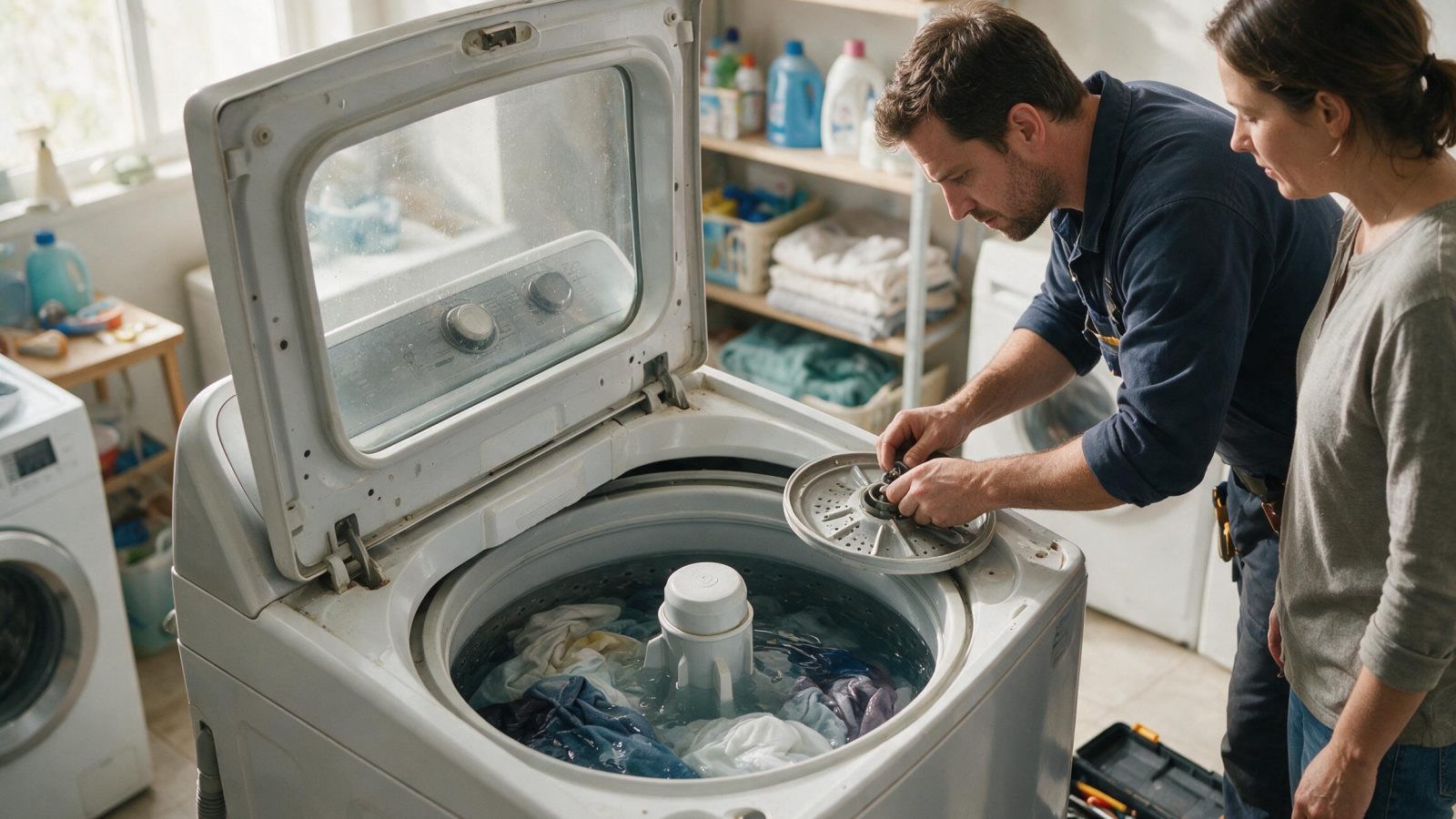
On supported GE washers, an H2O SUPPLY message points the troubleshooting path toward water delivery or water-level sensing. Start outside the cabinet before assuming an inlet valve or control failure.
An H2O Supply message on a GE front-load washer is not tied to the options or cycle you chose, so start at the water source: confirm the supply valves are open, then look at the hoses. If the message returns with full water supply, the cause is likely a pressure sensor or the supply valves and needs service.
On supported GE washers, an H2O SUPPLY message points the troubleshooting path toward water delivery or water-level sensing. Start outside the cabinet before assuming an inlet valve or control failure.
Confirm both required household supply valves are open. The washer needs both the hot and the cold supply to deliver water, so check each valve rather than one.
Check visible inlet hoses for kinks and confirm normal household water pressure.
Note whether one temperature selection fills differently from another.
| Symptom | What it can point to | What you can safely check |
|---|---|---|
| Message appears right after startup or a move | Supply valves still shut from install or plumbing work | Open both valves fully |
| Message with a kinked hose behind the washer | Restricted flow through an inlet hose | Straighten the hose and check it visibly |
| One temperature fills, another does not | A supply difference between hot and cold, or one valve closed | Compare a hot and a cold selection and check both valves |
| Washer drains for several minutes after the message | GE says the drain pump runs 4 minutes as protection against overfilling | Let it finish, then retry once |
| Message returns with valves open and hoses clear | GE points to a pressure sensor or the supply valves | Book service |
GE washers span front-load, top-load, HydroWave/CleanSpeak-era platforms, and newer connected designs. Numeric service codes can mean different things across families, while messages such as `H2O SUPPLY` can point toward owner-checkable water conditions. Record whether the machine fills, drains, locks, and attempts spin.
GE says the front-load H2O Supply error is not related to the options or cycles selected. It most likely reflects a pressure sensor issue or supply valves that are shut off, and only rarely very low water pressure.
It does not say the inlet valve has failed, and it does not identify a part. Confirming the supply is on is the first step, and service follows if the message persists.
If household supply is normal but the message returns, inlet valves, screens, pressure sensing, wiring, or controls may need model-specific diagnosis.
Record the complete model number and any displayed code before resetting power. Code meaning must be matched to the correct GE appliance family and platform.
On GE front-load washers the drain pump runs for 4 minutes after this error to protect against overfilling. Hearing the pump run does not mean a drain fault, and it does not mean the washer has taken on water.
Do not press buttons repeatedly during that period. Wait for the sequence to finish, check the valves, and restart a single time so the result is easy to interpret.
On the UltraFast Combo, a similar Confirm H2O Supply is On message starts a 4-minute lockout that unplugging restarts. GE recommends a Y-splitter on the supply there so both the hot and cold inlets receive water.
Leave built-in, stacked, or tightly fitted appliances installed unless the service team specifically requests access. Moving an appliance without a plan can disturb flooring, cabinetry, gas, water, drain, vent, or electrical connections and create a second problem.
The technician should reproduce the symptom or use your observations to select a narrow test path. That may involve comparing sensor readings, fan or pump commands, control output, airflow, water flow, ignition behavior, or stored diagnostics. The goal is to replace only what testing supports.
Write down:
– complete GE model number;
– exact symptom in one sentence;
– when it began;
– whether it is constant or intermittent;
– what related function still works normally;
– any displayed code/message before reset;
– any recent power, water, gas, venting, cleaning, filter, or installation event.
Do not clear codes before documenting them, do not order a part because another GE owner had a similar symptom, and do not apply one code meaning across unrelated appliance families. Some GE displays are status or operating messages rather than repair faults.
One controlled owner-level check is useful when it answers a question. Repeating resets or disassembling the appliance usually removes evidence rather than adding it.
One normal manual-approved reset can be useful after a temporary control interruption. Record the code or display state first. If the same symptom returns, repeated resets are not a repair.
Usually no. Similar symptoms can come from different components, installation conditions, or external utilities.
No. Keep homeowner checks external and model-appropriate.
GE says the front-load error is not related to options or cycles. Check valves and hoses rather than changing the setting.
GE says the drain pump runs for 4 minutes as protection against overfilling. Let it finish and check the water supply before restarting.
If the valves are fully open, the hoses are clear, and the message comes back, GE points to a pressure sensor or the supply valves, which need a technician’s testing.
One normal manual-approved reset can be useful after a temporary control interruption. Record the code or display state first. If the same symptom returns, repeated resets are not a repair.
Usually no. Similar symptoms can come from different components, installation conditions, or external utilities.
No. Keep homeowner checks external and model-appropriate.
A microwave can light, run the fan, and turn the tray while failing to heat. That symptom can involve door sensing, controls, inverter/high-voltage components,…
A GE dryer that starts and then stops can be reacting to overheating, restricted airflow, door-switch interruption, motor protection, supply conditions, sensing, or control…
A dry or slow dispenser can be caused by the household supply, filter, tubing, frozen sections, door/interlock conditions, valve operation, paddle switch, or controls.…
Request a repair on our homepage booking form, or call us and we’ll help right away.