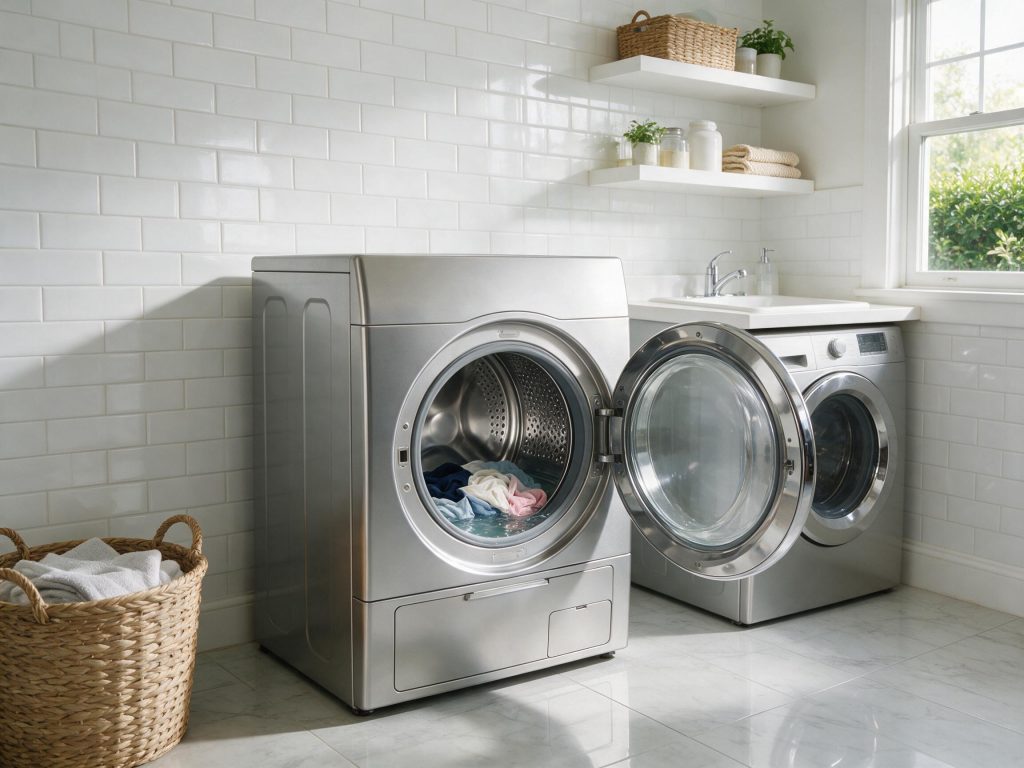

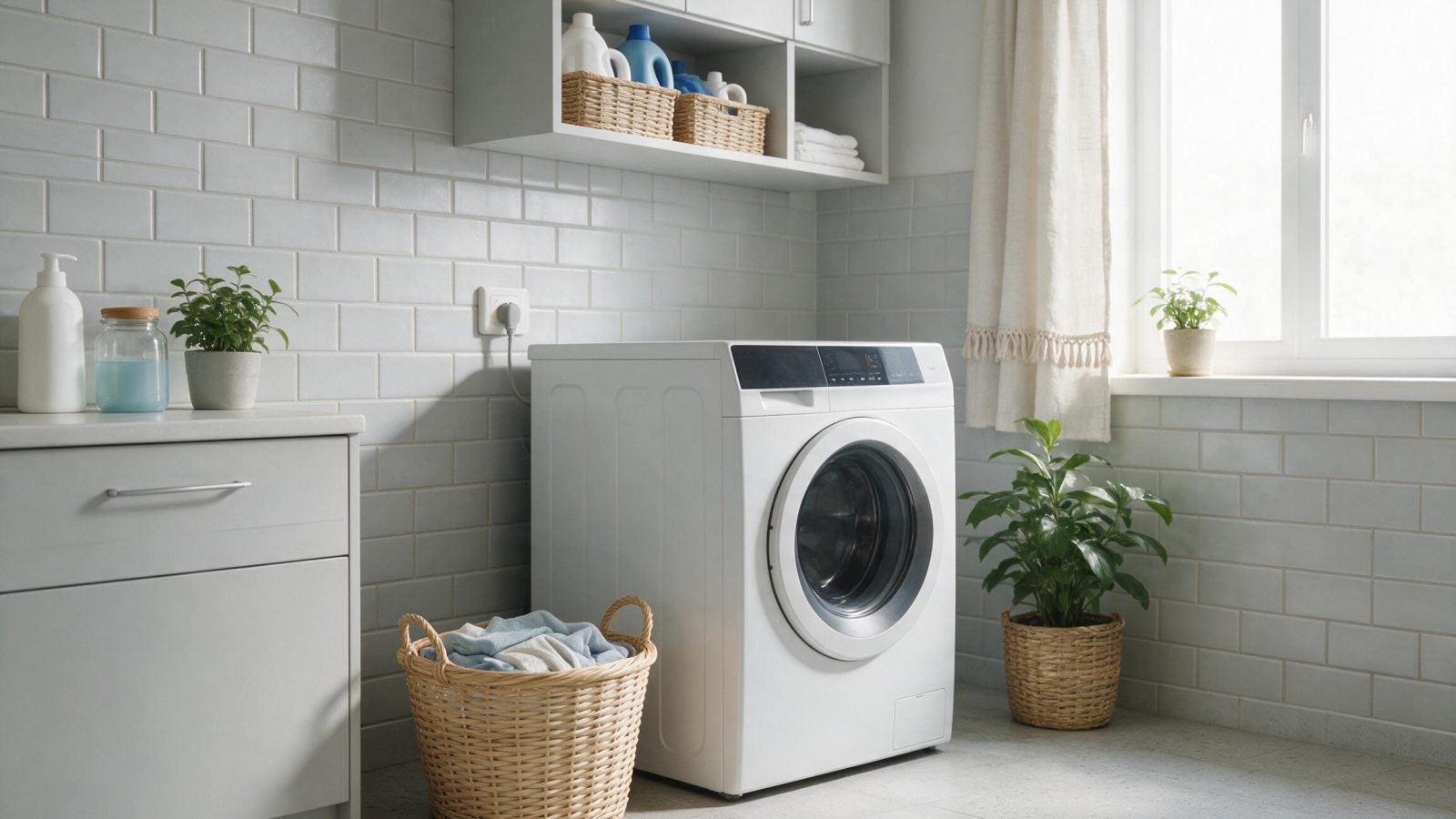
A washer that will not start can be completely dead or powered but unable to begin a cycle. Separate those two symptoms first, then check safety locks, controls, supply conditions, and drive electronics.
“Won’t start” can mean several things: no lights at all, lights but no button response, a locked door with no cycle, or a washer that fills and then stops. The diagnosis becomes much faster when the exact behavior is defined.
If there are no lights or sounds:
If the breaker repeatedly trips, stop resetting it and arrange electrical diagnosis.
If the display works, household power is probably reaching the washer. Focus on the controls and safety inputs.
Check:
Many electronic washers allow controls to be locked to prevent unintended use.
Look for a lock icon and follow the owner’s manual to unlock it. Button combinations differ by model.
A top-load washer may refuse to begin certain cycle actions if the lid cannot lock.
Inspect the strike, latch, and lid alignment. GE documents lid-lock behavior on many modern top-load models, including a delay while the basket comes to a stop before unlocking after spin.
Repeated lock clicking or a lid that must be pushed down to run points toward the lock/strike system.
A front-load washer must confirm the door is closed and locked before it can tumble or spin.
Check that no clothing is trapped in the gasket or door opening. A door-lock assembly can fail mechanically or electrically even if the door appears closed.
Some washers power up and lock the door but cannot proceed because water does not enter.
Make sure both supply valves are open and hoses are not kinked. A washer that starts, locks, and then displays a fill-related fault is not a true “no power” problem.
If other buttons work but Start does not, the keypad or user-interface electronics may have a localized failure.
Before replacing the interface, confirm that control lock is disabled and the machine is in a state where Start should be accepted.
Some washers complete the initial lock/fill process but stop when the control attempts motor movement.
Possible symptoms include:
Model-specific diagnostics can distinguish motor, inverter, sensor, and control faults.
A failed main control can leave the washer unresponsive or prevent cycle initiation, but it should be diagnosed after power, interface, lock, and wiring checks.
Look for burnt components or corrosion only with power disconnected.
Vibration and moisture can affect harness connections over time. A loose connector at the lock, motor, control, or interface can create intermittent starting problems.
If pushing the door or moving the machine changes the symptom, wiring and alignment deserve attention.
Electronic controls can occasionally require a power reset after a disturbance.
Disconnecting power briefly may clear a temporary state, but a washer that repeatedly freezes after normal operation needs diagnosis.
No lights: breaker, outlet, cord, internal power/control. Lights but buttons locked: control lock/interface. Start accepted but lid won’t lock: latch/strike/lock circuit. Locks but does not fill: water supply/inlet system. Fills but motor never moves: drive/motor/control diagnosis. Trips breaker: electrical fault—stop use.
Request service if the washer has correct power but cannot recognize its lid/door, the user interface is non-responsive, the motor will not start, or electrical testing is needed.
Provide the model number and describe the exact sequence after pressing Start. “Door locks, fills for 20 seconds, then stops” is far more useful than “washer doesn’t work.”
A washer start sequence usually involves several events: the control accepts Start, the door or lid locks when required, water begins to enter, and then the drive system starts moving. Identify the first event that does not occur.
If the lock never engages, focus on the lock/strike/input. If the lock engages but no water enters, shift to the inlet system. If the washer fills but then sits still, the problem belongs in the agitation/motor path. If the machine is completely dead before any of those events, remain on the power and control-supply path.
This approach makes a no-start diagnosis much more precise and prevents several unrelated systems from being replaced at once.
If a washer has never completed a cycle since installation, verify the installation details first: water valves open, drain hose routed correctly, power supply stable, shipping hardware removed where applicable, and the machine leveled. A setup problem can produce symptoms that look electronic.
If the washer worked normally for months or years and then suddenly stopped, a new component or wiring fault becomes more likely than an original installation error. The timeline helps prioritize the diagnosis.
If the washer shows a code, lock symbol, or repeating light pattern, photograph it before unplugging the machine. A power reset may clear the display and remove the best clue about which input or component stopped the cycle.
When the problem is intermittent, note the load type and cycle stage as well. “Fails only at the start of spin” points somewhere very different from “dead as soon as Power is pressed.”
An intermittent Start response can come from the keypad/user interface, but first rule out control lock and a door or lid that is only barely engaging its switch. Try the normal start sequence without pushing or twisting the cabinet. If operation changes only when pressure is applied to the door, lid, or console, report that behavior to the technician rather than continuing to force the machine to start.
Common causes include control lock, door/lid lock failure, delay setting, start-button/interface issue, fill problem, motor fault, or main-control problem.
Yes. The control may refuse to agitate or spin if a required safe lid status is not confirmed.
Check household power, breaker, outlet, plug/cord, then internal power and control circuits.
A temporary electronic state can occur, but repeated lockups after resets indicate a fault that should be diagnosed.
No. Door and lid locks are safety devices and should be tested or replaced, not bypassed.
Need help now? Visit our services page or contact us.
Official manuals and support notes are available on GE owner support.
Remember: Ge is easier to resolve when you capture the model number and when Ge first appeared.
Write down the full model number before ordering parts. Board and sensor revisions can change which part number is correct.
A single power reset can clear a temporary fault, but repeated returns of the same code usually mean a physical cause remains.
Keep vents and filters clear between visits. Restricted airflow often mimics electrical or sensor failures.
If water, burning smells, or sparking are present, stop using the appliance and arrange a professional inspection.
Wet dishes do not always indicate a failed heater. Rinse aid, loading, cycle selection, incoming temperature, dish material, and the dishwasher’s specific drying technology…
Beeps and flashing LEDs are not one universal GE error. They can signal a door event, reset, button tone, interrupted cycle, power disturbance, or…
A GE washer that will not drain may have a kinked hose, installation problem, clogged front-load pump filter, blocked pump, failed drain motor, or…
Request a repair on our homepage booking form, or call us and we’ll help right away.