
If the fan, light, display, and turntable operate but food remains cold, first rule out Timer or Demo mode and make sure the door is closing correctly. Internal microwave high-voltage diagnosis is not a safe DIY task.
A microwave can look completely normal—light on, fan running, turntable rotating, countdown moving—and still produce no microwave energy. That symptom can come from a simple control mode, but it can also involve high-voltage components that store dangerous energy even after the appliance is unplugged.
For that reason, microwave troubleshooting has a much firmer DIY boundary than refrigerator or dishwasher troubleshooting.
GE’s official “runs but does not heat” guidance specifically says to check whether the Timer function was used inadvertently.
The timer can count down without energizing the microwave cooking system.
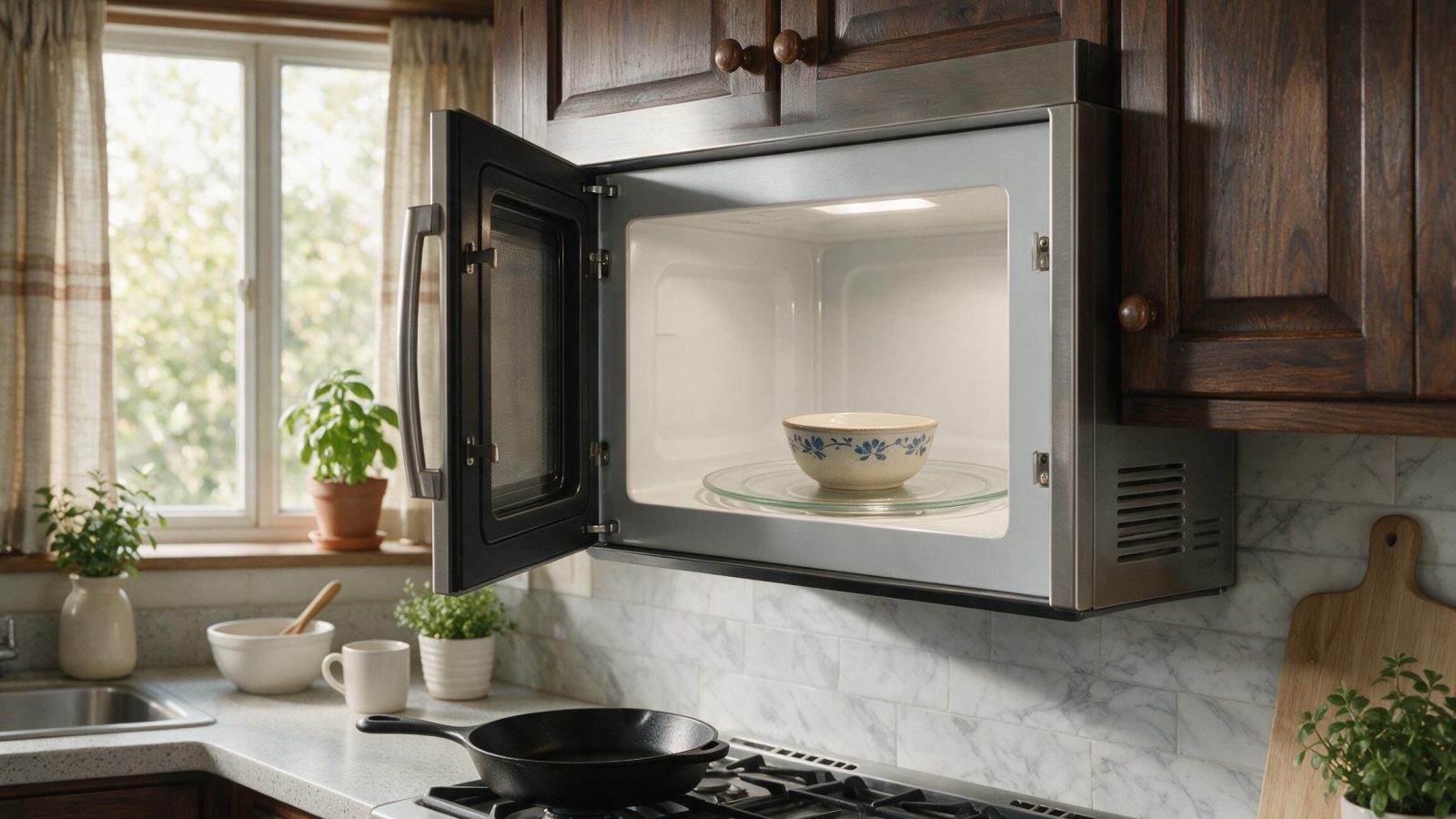
Cancel the timer and start a normal timed-cook cycle with a microwave-safe cup of water.
Some GE countertop and Advantium-type models have a demonstration mode that allows the controls and display to operate without producing microwave power.
This mode is useful in retail showrooms but confusing in a home if enabled accidentally.
The method to exit Demo mode varies by product family, so use the owner’s manual for the exact model. GE notes that simply unplugging certain countertop microwaves may not exit Demo mode.
GE also recommends confirming that the door is securely closed so the safety interlocks engage.
Microwaves use multiple door switches/interlocks. A misaligned or failed switch can allow some functions to operate while preventing microwave generation, depending on the design and failure mode.
Do not slam the door or defeat the interlock switches.
If the symptom followed a power disturbance, clear the current program and disconnect power briefly if the owner’s manual allows a reset.
A reset can correct a temporary software state but will not repair a failed magnetron or high-voltage circuit.
If the microwave repeatedly stops heating after resets, arrange service.
Never run a microwave empty to “see if it heats.”
Place a microwave-safe cup containing water inside and run a short normal cook cycle. The water should become noticeably warmer.
If it stays unchanged while the appliance otherwise runs, the no-heat condition is confirmed.
A microwave contains a high-voltage capacitor and other components that can retain a dangerous electrical charge after the power cord is disconnected.
Do not remove the outer cabinet to test the magnetron, diode, capacitor, transformer/inverter, or high-voltage wiring unless you are a properly trained appliance technician using the required safety procedures.
This is not comparable to checking a household breaker or replacing a refrigerator water filter.
The magnetron generates microwave energy. A failed magnetron can allow the machine to sound and look as though it is cooking while producing little or no heat.
Possible associated symptoms include:
These symptoms are not exclusive to the magnetron, so it should not be replaced based on symptom alone.
The high-voltage diode is part of the circuit supplying the magnetron. A failed diode can prevent proper microwave generation and can sometimes cause abnormal humming.
Testing requires safe capacitor discharge and high-voltage service procedures.
A capacitor fault can stop heating and may cause electrical protection to open.
Because the capacitor itself is one of the components that can retain dangerous charge, it is specifically not an owner-service item.
Traditional microwaves may use a high-voltage transformer, while some designs use inverter-based power electronics.
A failure in this power stage can create no heat even though low-voltage controls and fan operation remain normal.
Again, model-specific professional diagnosis is required.
Multiple switches monitor the latch sequence. If contacts are burned, misaligned, or mechanically damaged, the microwave may not enable the high-voltage circuit correctly.
Door-switch service must preserve the exact safety interlock arrangement. Never bypass an interlock to test cooking operation.
Microwaves contain thermal and electrical protection devices. A high-voltage or magnetron thermal protector may interrupt heating while other low-voltage functions continue on some designs.
If a protection device opened, the reason for the overheating or electrical fault should be identified rather than simply replacing the protection component.
Repair economics depend on:
A technician can determine whether the fault is a relatively small switch/control issue or a major high-voltage repair before you decide.
Do not operate a microwave with door damage or suspected safety-interlock problems.
You can safely verify:
1. Correct Cook mode rather than Timer. 2. Demo mode is off. 3. Door closes normally with no visible damage. 4. Control is not locked or stuck. 5. Outlet and breaker provide normal power. 6. A microwave-safe cup of water does not heat during a normal cook test.
After that, internal diagnosis should be left to a trained technician.
If the microwave is in a real cook cycle, Demo mode is off, the door is sound and properly closed, and food still does not heat, request service rather than opening the cabinet.
Provide the complete model number and mention whether the unit is countertop, over-the-range, built-in, or Advantium-style, whether Demo appears on the display, and whether the symptom followed a power event.
A refrigerator fan or dishwasher pump may be accessible after normal electrical isolation. A microwave contains a high-voltage energy-storage circuit specifically designed to operate at potentially lethal voltage. The capacitor can retain charge after the unit is unplugged, and improper interlock work can create microwave-radiation and electrical hazards.
For this reason, a homeowner diagnosis should stop once external controls, Timer/Demo mode, door condition, and a safe water-heating test have been checked. Internal resistance tests, capacitor discharge, magnetron testing, high-voltage diode checks, and transformer/inverter diagnosis belong to trained service personnel using the correct procedures and instruments.
This boundary is not about repair complexity alone; it is about the type of hazard present even when the appliance appears disconnected from power.
First rule out Timer mode, Demo mode, and door/interlock engagement. Internal causes can include magnetron, diode, capacitor, transformer/inverter, thermal protection, wiring, or control faults.
Yes. On supported models, Demo mode can operate controls without producing normal microwave power.
Not by opening the cabinet unless you are trained for microwave high-voltage service. Dangerous stored voltage can remain even when the appliance is unplugged.
It provides a safe load for a short cooking test. Running a microwave empty can damage components.
No. Several high-voltage and interlock components can create the same symptom. Professional testing is required.
This article covers Ge Microwave Runs But with practical checks you can run before booking a technician.
Need help now? Visit our services page or contact us.
Official manuals and support notes are available on GE owner support.
Remember: Ge Microwave Runs But is easier to resolve when you capture the model number and when Ge Microwave Runs But first appeared.
Write down the full model number before ordering parts. Board and sensor revisions can change which part number is correct.
A single power reset can clear a temporary fault, but repeated returns of the same code usually mean a physical cause remains.
Keep vents and filters clear between visits. Restricted airflow often mimics electrical or sensor failures.
If water, burning smells, or sparking are present, stop using the appliance and arrange a professional inspection.
If a GE dishwasher has no lights, tones, display, or response at all, start with the household electrical supply. A tripped breaker, switched outlet,…
The location of a dishwasher leak matters. Water from the door points toward different causes than water under the cabinet or at the sink…
Poor wash results are often a system problem rather than one failed part. The dishwasher needs hot water, correct detergent chemistry, adequate fill, unrestricted…
Request a repair on our homepage booking form, or call us and we’ll help right away.